ledgewin Deposit Guide
By the end of this guide you will know exactly how to fund your ledgewin account using bKash, Nagad, Rocket, Upay or Bank Transfer — including the minimum amount, how fast money arrives, and what to do if something goes wrong.
- SSL Encrypted
- bKash · Nagad · Rocket · Upay
- Funds in 5 Minutes
- 24/7 Support
- 18+ Only
All ledgewin Payment Methods at a Glance
Every method below supports both deposits and withdrawals. Fees shown are charged by ledgewin — your mobile wallet provider may add its own transaction charge.
| Method | Min Deposit | Deposit Speed | Min Withdrawal | Withdrawal Speed | Fee |
|---|---|---|---|---|---|
| bKash | ৳200 | ~5 min | ৳800 | ~33 min | Free |
| Nagad | ৳200 | ~5 min | ৳800 | ~33 min | Free |
| Rocket | ৳200 | ~5 min | ৳800 | ~33 min | Free |
| Upay | ৳200 | ~5 min | ৳800 | ~33 min | Free |
| Bank Transfer | ৳200 | ~5 min | ৳800 | ~33 min | Free |
Maximum single-day withdrawal is ৳85,000 for Bronze-tier accounts. Higher VIP tiers have larger limits.
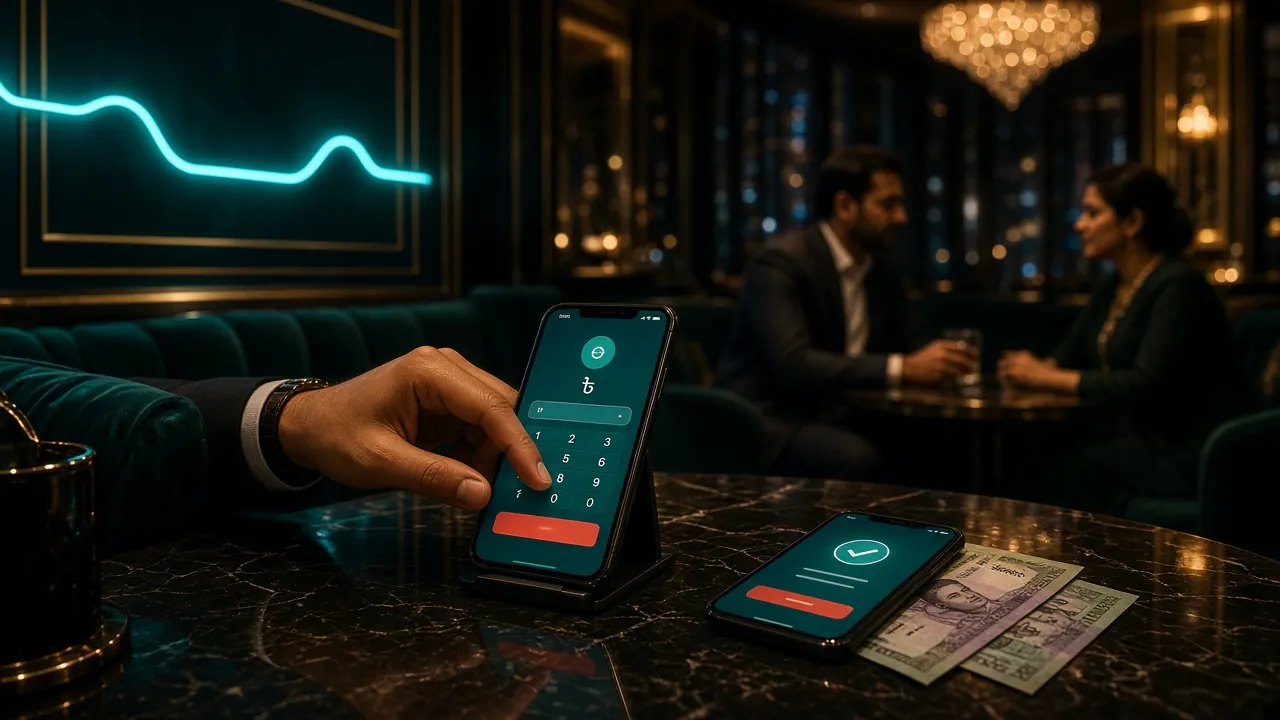
Deposit with bKash
bKash is the most widely used method on ledgewin. Send money directly from the bKash app — no bank needed. Minimum deposit is ৳200.
-
1
Open the Deposit page
Log in to ledgewin, tap your wallet balance at the top of the screen, then select Deposit.
-
2
Choose bKash and enter an amount
Pick bKash from the method list. Type your deposit amount — ৳200 minimum, no upper cap set by this form. Tap Continue.
-
3
Copy the ledgewin bKash number shown
A unique recipient number appears on screen. Copy it — this number changes each session, so do not reuse an old one from a screenshot.
-
4
Send money from your bKash app
Open bKash → Send Money → paste the number → enter the exact same amount → confirm with your bKash PIN.
-
5
Paste the bKash Transaction ID back on ledgewin
bKash shows an 8-digit TrxID after payment. Paste it into the confirmation box on ledgewin, then tap Submit. Your balance updates within about 5 minutes.
Deposit with Nagad
Nagad works the same way as bKash on ledgewin. The steps below differ only in which app you open.
-
1
Go to Deposit and select Nagad
After logging in, open the Deposit page and tap Nagad from the method icons.
-
2
Note the amount and recipient number
Enter how much you want to deposit (minimum ৳200), then copy the Nagad number ledgewin gives you for this session.
-
3
Send via Nagad app
Open Nagad → Send Money → enter the number and exact amount → confirm with your Nagad PIN.
-
4
Submit the Nagad reference number
Find the transaction reference in Nagad's history screen, copy it into ledgewin's confirmation field, and submit. Funds arrive in roughly 5 minutes.
Deposit with Rocket
Rocket is Dutch-Bangla Bank's mobile wallet — a good option if you bank with DBBL. Minimum deposit is ৳200, same as other wallets.
-
1
Select Rocket on the Deposit page
Log in, open Deposit, and tap Rocket. Enter your deposit amount and tap Continue to see the recipient number.
-
2
Open Rocket and send money
In the Rocket app, choose Send Money, enter the displayed number and the exact amount, then confirm with your PIN.
-
3
Enter the Rocket transaction number on ledgewin
Rocket shows a transaction number in the success screen. Paste it on ledgewin and submit. Balance updates within 5 minutes.
Deposit with Upay
Upay is backed by UCB Bank and works well for players who prefer a bank-linked wallet. The process mirrors bKash exactly.
-
1
Pick Upay on the Deposit screen
After logging in, open the Deposit page and select Upay. Enter your amount (minimum ৳200) and proceed.
-
2
Send money from your Upay wallet
Open the Upay app, go to Send Money, enter ledgewin's provided number and the same amount, then enter your PIN.
-
3
Confirm with the Upay TrxID
Paste the transaction reference from Upay into ledgewin's confirmation field. Balance arrives in about 5 minutes.
Deposit via Bank Transfer
Bank Transfer suits players who want to move larger sums directly from their account. The minimum is still ৳200, and arrival time is around 5 minutes once the bank processes the transfer.
-
1
Open Deposit and choose Bank Transfer
Log in to ledgewin and go to the Deposit page. Select Bank Transfer. Enter your desired amount and tap Continue.
-
2
Note the bank account details shown
ledgewin displays an account number, routing info, and a unique reference code. Write down the reference code — it links the payment to your account.
-
3
Make the transfer from your bank app or branch
Use internet banking, your bank's app, or visit a branch. Always include the reference code in the remark/narration field — without it, the payment cannot be matched automatically.
-
4
Submit the transfer receipt on ledgewin
Once transferred, go back to ledgewin's deposit form and upload or type in the bank reference number. Submit and wait for the confirmation. If it takes longer than 5 minutes, contact 24/7 Live Chat.
Make Your First Deposit Count
Your very first ledgewin deposit earns a 145% welcome bonus — up to ৳21,000. If you deposit ৳1,000 today, you play with ৳2,450. The wagering requirement is 6× the bonus amount before you can withdraw bonus-derived winnings.
Quick calculation
Wagering requirement: 6× bonus = ৳43,500 must be wagered before bonus winnings convert to real cash. Valid 7 days from deposit.
To claim this bonus, make sure you opt in through the Bonus section before you deposit. Already have an account? Log in now and check the Promotions tab.
When a Deposit Fails
Most deposit issues fall into a small set of causes. Work through the checklist below before contacting support.
| Problem | Likely Cause | What to Do |
|---|---|---|
| Balance not updated after 5 minutes | TrxID not submitted, or wrong amount sent | Check that you submitted the TrxID. If yes, open Live Chat with the TrxID and amount. |
| bKash/Nagad payment declined | Daily send limit reached on wallet, or insufficient balance | Top up your mobile wallet first, or try a smaller amount. Check your wallet's daily limit. |
| "Deposit session expired" message | You took too long between starting and paying | Start a fresh deposit request. Never send money to an expired recipient number. |
| Wrong amount sent | Typed a different figure in the wallet vs. the deposit form | Contact Live Chat immediately with both the requested amount and the actual amount sent. |
| Below minimum ৳200 | Amount entered was under the minimum | The system rejects these automatically. Start a new deposit with at least ৳200. |
| Bank transfer not reflected | Reference code missing from transfer narration | Send the bank statement screenshot to Live Chat along with the reference code you were given. |
Questions Players Ask Before Depositing
What is the minimum deposit on ledgewin?
The minimum deposit is ৳200 for all payment methods — bKash, Nagad, Rocket, Upay, and Bank Transfer.
How long does a ledgewin deposit take to arrive?
Mobile wallet deposits (bKash, Nagad, Rocket, Upay) typically arrive within 5 minutes after you submit the transaction ID. Bank transfers also target around 5 minutes once the bank sends the funds, but can occasionally take slightly longer during peak hours.
Is there a deposit fee on ledgewin?
ledgewin charges no fee on deposits. Your mobile wallet provider may charge its own Send Money fee — check your wallet's terms. For example, bKash charges a small fee on some Send Money transactions.
Can I use someone else's bKash account to deposit?
No. Your deposit method must be registered in your own name. Using another person's wallet may cause the deposit to be rejected and could trigger a KYC review. This protects both you and the account holder.
Do I need to complete KYC before depositing?
You can deposit without KYC. However, KYC is required before your first withdrawal. Documents accepted: National ID Card (NID), Passport, or Driving Licence. The review takes up to 12 hours. Submit yours early so it is ready when you want to withdraw.
What happens if I deposit and do not submit the TrxID?
Your ledgewin balance will not update. The money will have left your wallet but ledgewin cannot match it without the TrxID. Contact Live Chat immediately with your TrxID, the amount, and the time of transaction. The team can trace it manually.
Can I deposit through the ledgewin app on Android?
Yes. The ledgewin Android app (version 3.3.15, requires Android 7.0 or higher) has a full deposit flow. The process is identical to the website. Download the APK from the App page.
Is there a maximum deposit limit?
There is no platform-side maximum deposit cap listed. Your mobile wallet's own daily transfer limit applies. If you need to move a large amount, Bank Transfer usually has higher limits than mobile wallets.
Ready to Make Your First Deposit?
Create your free ledgewin account in under two minutes. Your first deposit unlocks a 145% welcome bonus up to ৳21,000.
Already installed the app? Open the ledgewin App page to deposit on your phone.